Business Rule Task
Overview
A Business Rule Task is a task that evaluates a DMN table when it is reached in the process flow. See Нотация DMN 1.3 chapter for creating and managing DMN tables.
A business rule task is visualized as a rounded rectangle with a small table icon in the top-left corner.
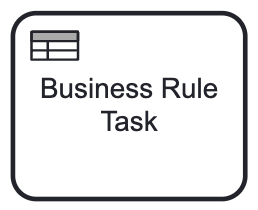
Technically, a business rule task is a service task of special type:
<serviceTask id="business-rule-task" name="Business Rule Task"
    flowable:type="dmn"> (1)
  <extensionElements>
    <flowable:field name="decisionTableReferenceKey"> (2)
      <flowable:string>decision-example</flowable:string>
    </flowable:field>
  </extensionElements>
</serviceTask>| 1 | — Defines task type. |
| 2 | — Refers to the decision table. |
Properties
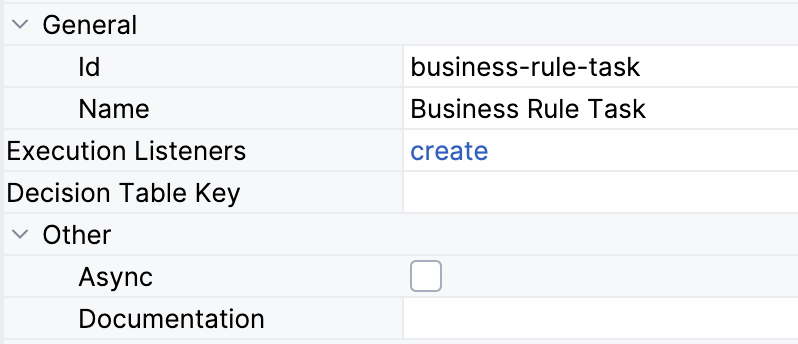
In the BPMN modeler, you can set the following properties of a business rule task:
Property |
Description |
Id |
The identifier of the element. It is generated automatically, but you can change it to a more meaningful one to make logs easier to understand. |
Name |
The name of the task, up to 255 characters. Tasks are typically named using a verb + object syntax, such as "Approve Order" or "Send Invoice". |
Decision table key |
The key property of the task. Select an existing DMN table from the dropdown list. |
Execution listeners |
See Execution Listeners. |
Asynchronous execution |
Updated in Jmix 3.1 |
Documentation |
A description and additional information about the element. |
| To deploy the process, every business rules task must have a decision table. |