Email Sending
Jmix предоставляет следующую функциональность для отправки электронных писем:
-
Синхронная и асинхронная отправка: В синхронном режиме вызывающий код ожидает, пока сообщение будет отправлено на SMTP-сервер; в асинхронном режиме сообщение сохраняется в базу данных для последующей отправки, и управление немедленно возвращается вызывающему коду.
-
Планируемая отправка через Quartz: Откладывайте отправку, создавайте повторяющиеся сообщения или согласовывайте отправку с определенными часовыми поясами с помощью задач Quartz.
-
Надежное отслеживание: Временные метки отправки и сведения об ошибках сохраняются в базе данных как для синхронного, так и для асинхронного режимов.
-
Пользовательский интерфейс: Пользовательский интерфейс для поиска и просмотра отправленных писем, включая полное содержимое сообщения, атрибуты, статус отправки и количество попыток.
Установка
Для автоматической установки через Jmix Marketplace следуйте инструкциям в разделе Дополнения.
Для ручной установки добавьте следующие зависимости в ваш build.gradle:
implementation 'io.jmix.email:jmix-email-starter'
implementation 'io.jmix.email:jmix-email-flowui-starter'|
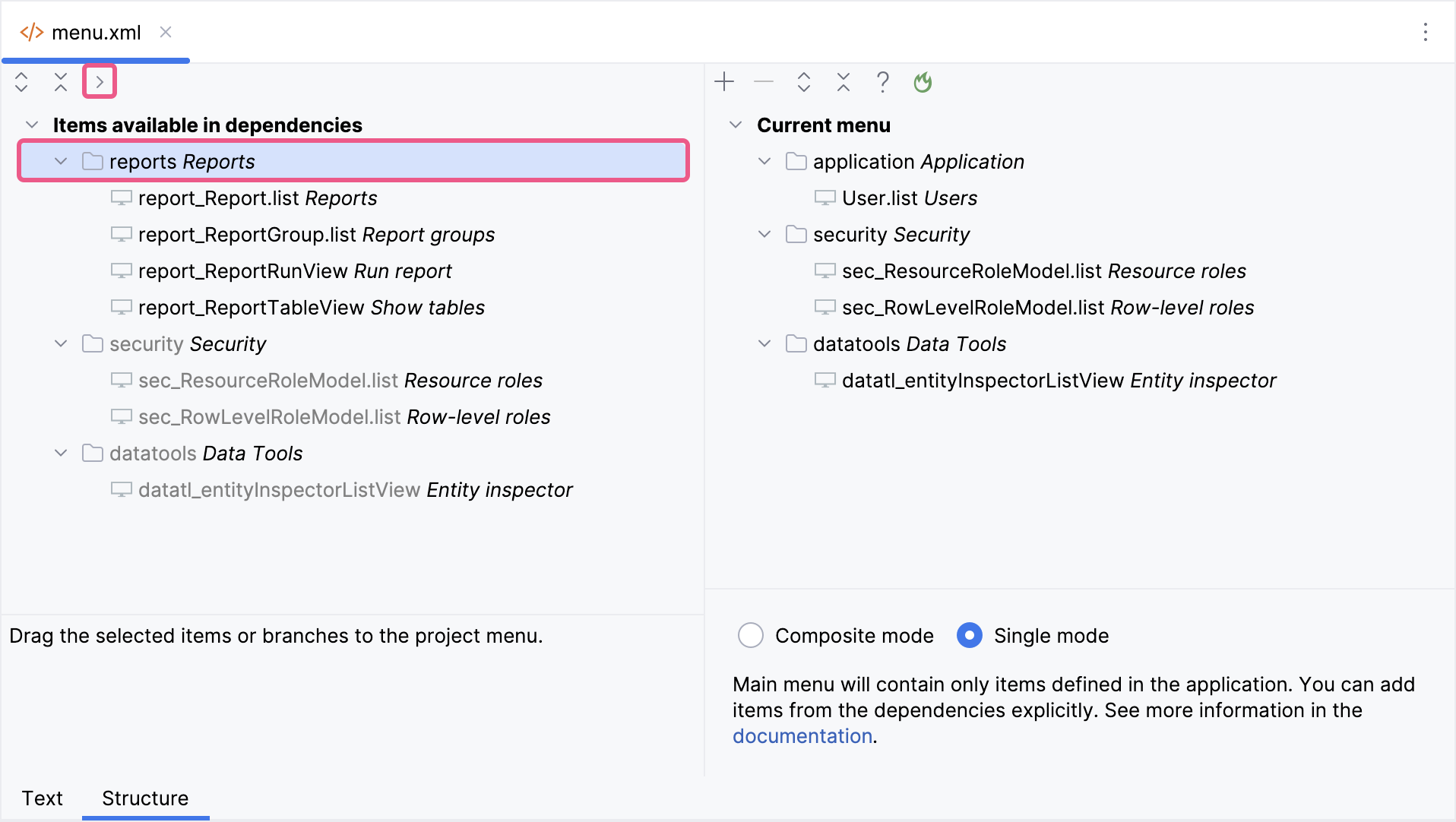
Важное примечание для приложений в режиме меню Single mode Если ваше приложение использует режим меню Single mode, вам следует вручную добавить пункты меню после установки дополнения.
Этот шаг необходим, потому что приложения в режиме Single mode не выполняют автоматическое слияние меню дополнений с существующей структурой. |