Pools and Lanes
Processes are often contained within a swimming pool, which can be further divided into lanes. Pools and lanes represent participants and responsibilities, adding structure and clarity to complex processes.
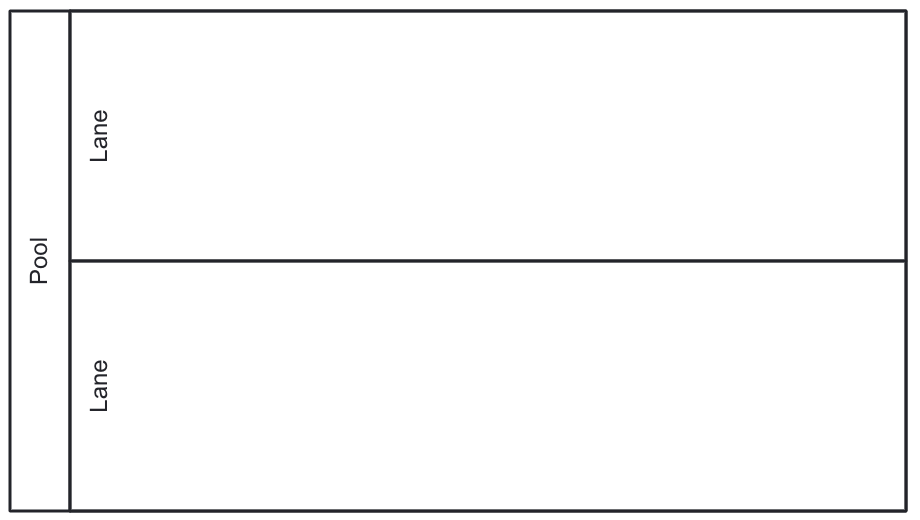
Pools
Pool represents a participant in a collaboration. Although a process can run without a pool, adding it can clarify the roles involved. When you add a pool , it automatically wraps all elements in the diagram.
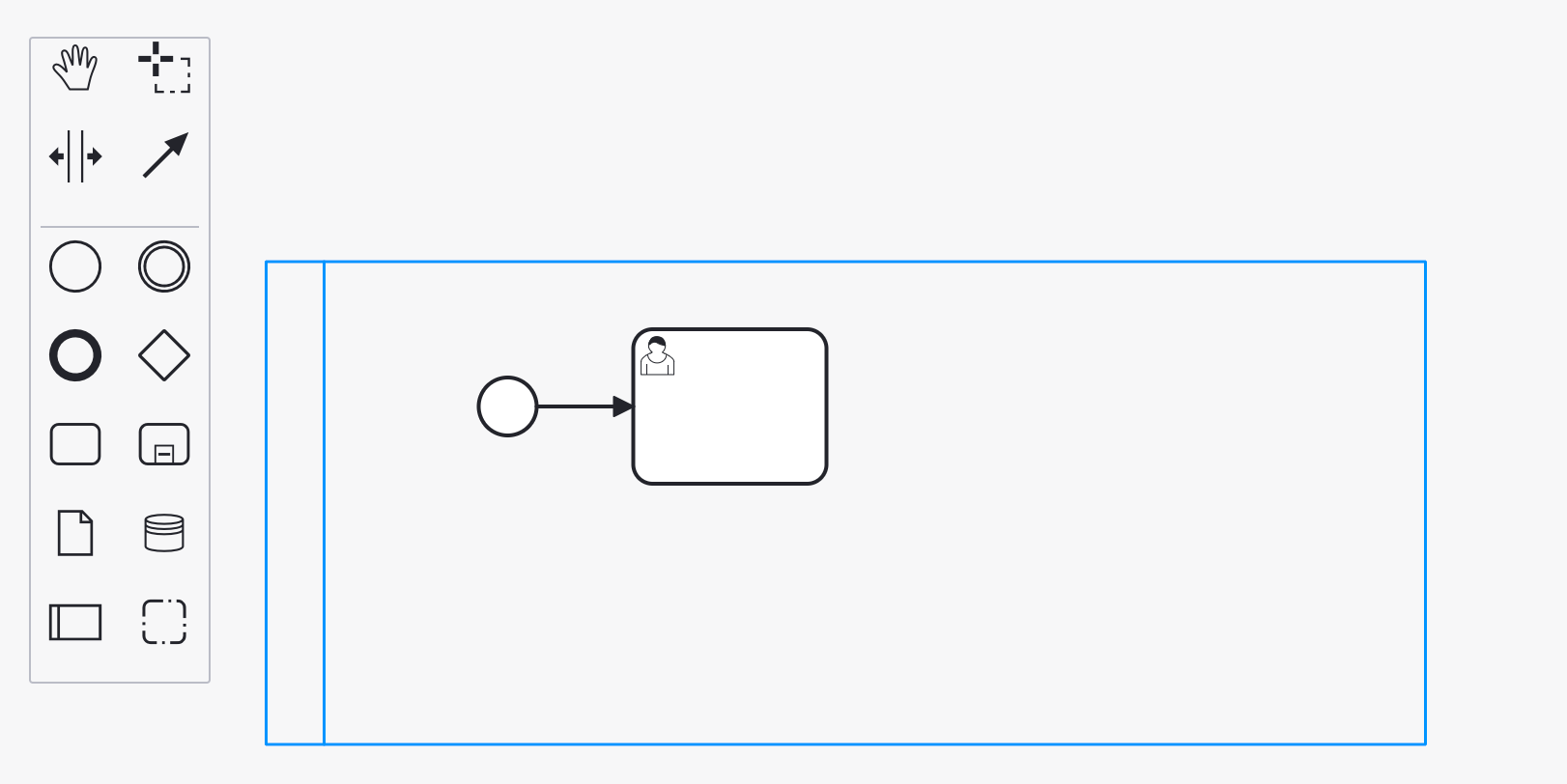
| Deletion of the pool deletes all elements inside it. |
Properties
By adding a pool, a basic process becomes a collaboration. As a result, when no elements are selected, the right panel will show collaboration properties in place of process properties.
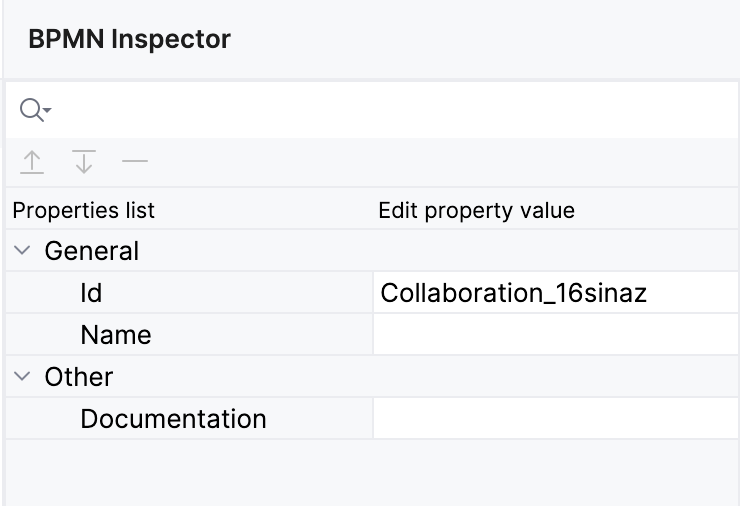
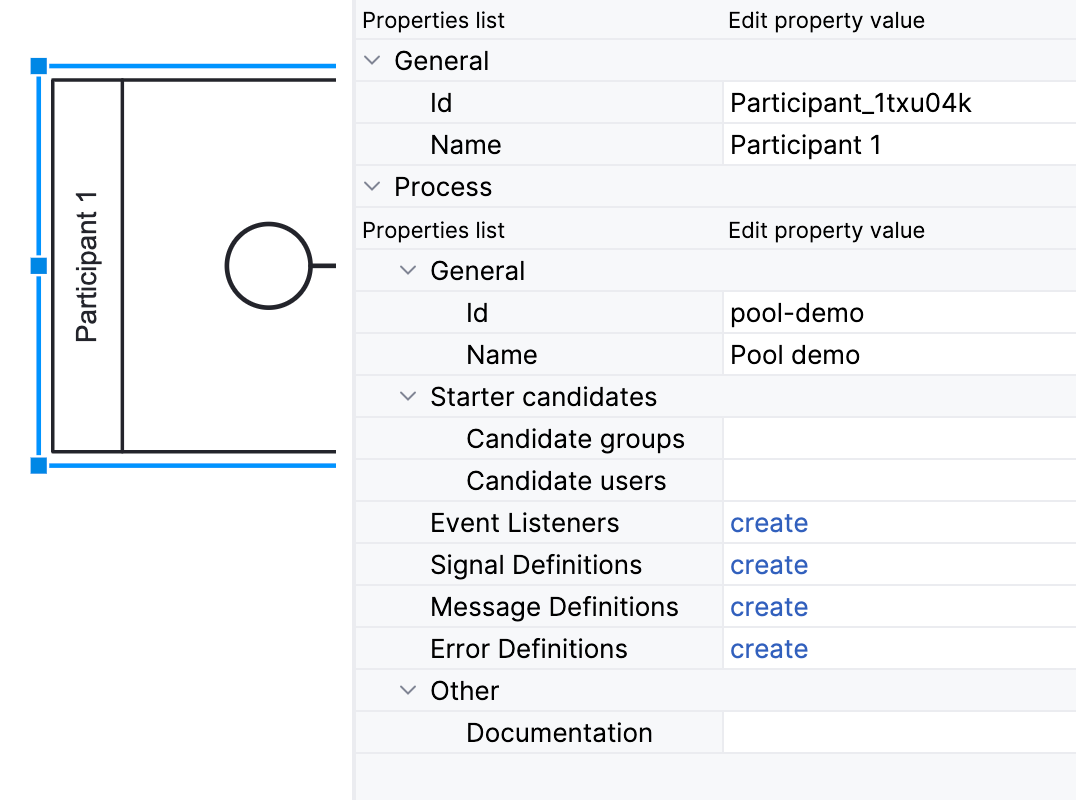
In the BPMN modeler, you can set the following properties of a pool:
Property |
Description |
Id |
The identifier of the element. It is generated automatically, but you can change it to a more meaningful one to make logs easier to understand. |
Name |
The name of the element. |
Process |
The properties of the process that the pool represents. See process properties. |
XML Representation
Adding a pool results in a collaboration section with nested participant elements.
<collaboration id="Collaboration_16sinaz">
    <participant id="Participant_1txu04k" processRef="pool-demo" />
</collaboration>
<process id="pool-demo" name="Pool demo" isExecutable="true">
    <startEvent id="Event_0yeospn">
      <outgoing>Flow_1snk2tn</outgoing>
    </startEvent>
    <sequenceFlow id="Flow_1snk2tn" sourceRef="Event_0yeospn" targetRef="Activity_187mecy" />
    <userTask id="Activity_187mecy">
      <incoming>Flow_1snk2tn</incoming>
    </userTask>
</process>
Collaboration Model
Multiple pools create a collaboration model that illustrates relationships and interactions between multiple participants.
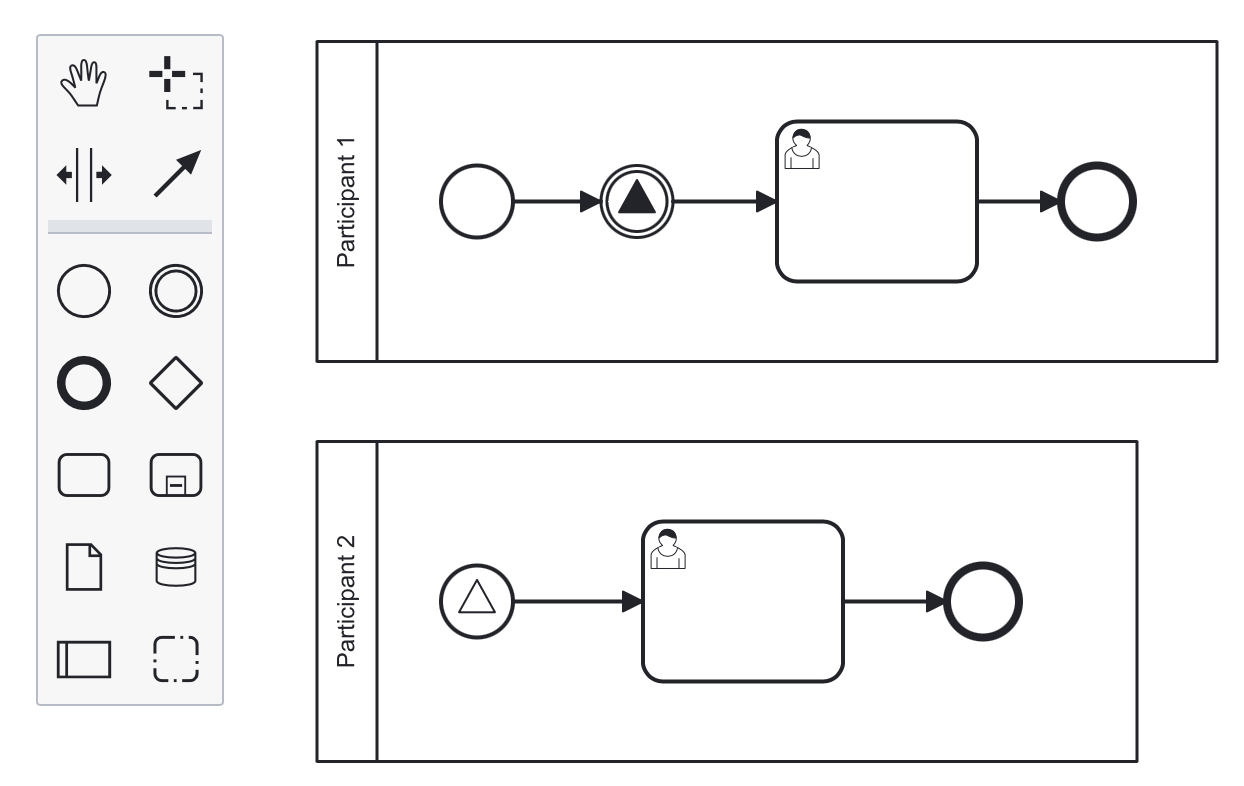
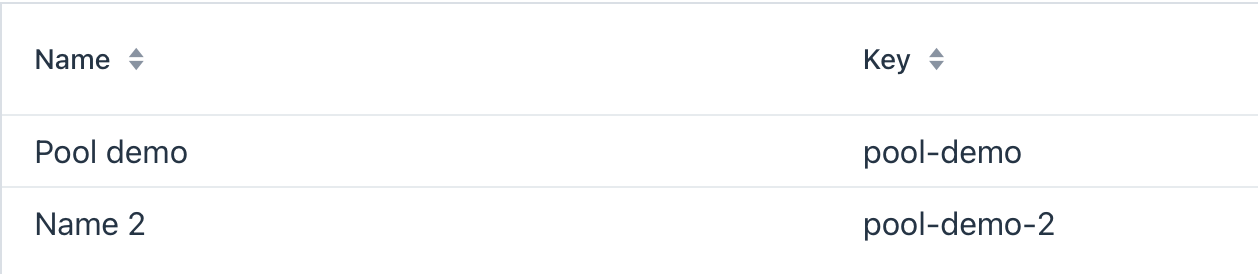
When you deploy a collaboration model, each process will be deployed separately with its own id, and it will be visible in the process definitions list. So you will be able to start any process from the collaboration.
Lanes
Lane is a subsection within a pool that represents a specific role, responsibility, or department.
Properties
In the BPMN modeler, you can set the following properties of a lane:
Property |
Description |
Id |
The identifier of the element. It is generated automatically, but you can change it to a more meaningful one to make logs easier to understand. |
Name |
The name of the element. |
Assignee source |
Assign a performer based on expression, process variable or user provider. See user task for details. |
Candidate groups |
A group of users permitted to perform activities within the lane. |
Candidate users |
Individual users permitted to perform activities within the lane. |
Documentation |
A description and additional information about the element. |
| Every user task on the lane without an explicitly defined assignee will inherit the assignee value from the lane. |
XML Representation
Lanes are represented by the laneSet element and individual lane elements.
Each lane contains properties and list of activities placed on it.
<process id="pool-and-lanes" name="Pool and lanes" isExecutable="true">
    <laneSet id="LaneSet_1lxq2l3">
      <lane id="Lane_1" name="User 1">
        <extensionElements>
          <jmix:assignmentDetails assigneeSource="expression" assigneeValue="user1" assignee="user1" candidateUsersSource="users" candidateGroupsSource="userGroups" />
          <jmix:conditionDetails conditionSource="userTaskOutcome" />
        </extensionElements>
        <flowNodeRef>Activity_0n34ol9</flowNodeRef>
        <flowNodeRef>Activity_0758bjc</flowNodeRef>
        <flowNodeRef>Event_1mkoyrv</flowNodeRef>
      </lane>
      <lane id="Lane_2" name="User 2">
        ...
      </lane>
    </laneSet>